Перейти к публикации
View in the app

A better way to browse. Learn more.

Дизайн и модификация Invision Community

A full-screen app on your home screen with push notifications, badges and more.

To install this app on iOS and iPadOS
  1. Tap the Share icon in Safari
  2. Scroll the menu and tap Add to Home Screen.
  3. Tap Add in the top-right corner.
To install this app on Android
  1. Tap the 3-dot menu (⋮) in the top-right corner of the browser.
  2. Tap Add to Home screen or Install app.
  3. Confirm by tapping Install.

IBR Prestige Style v2.1.5 - 2.1.7 (English)

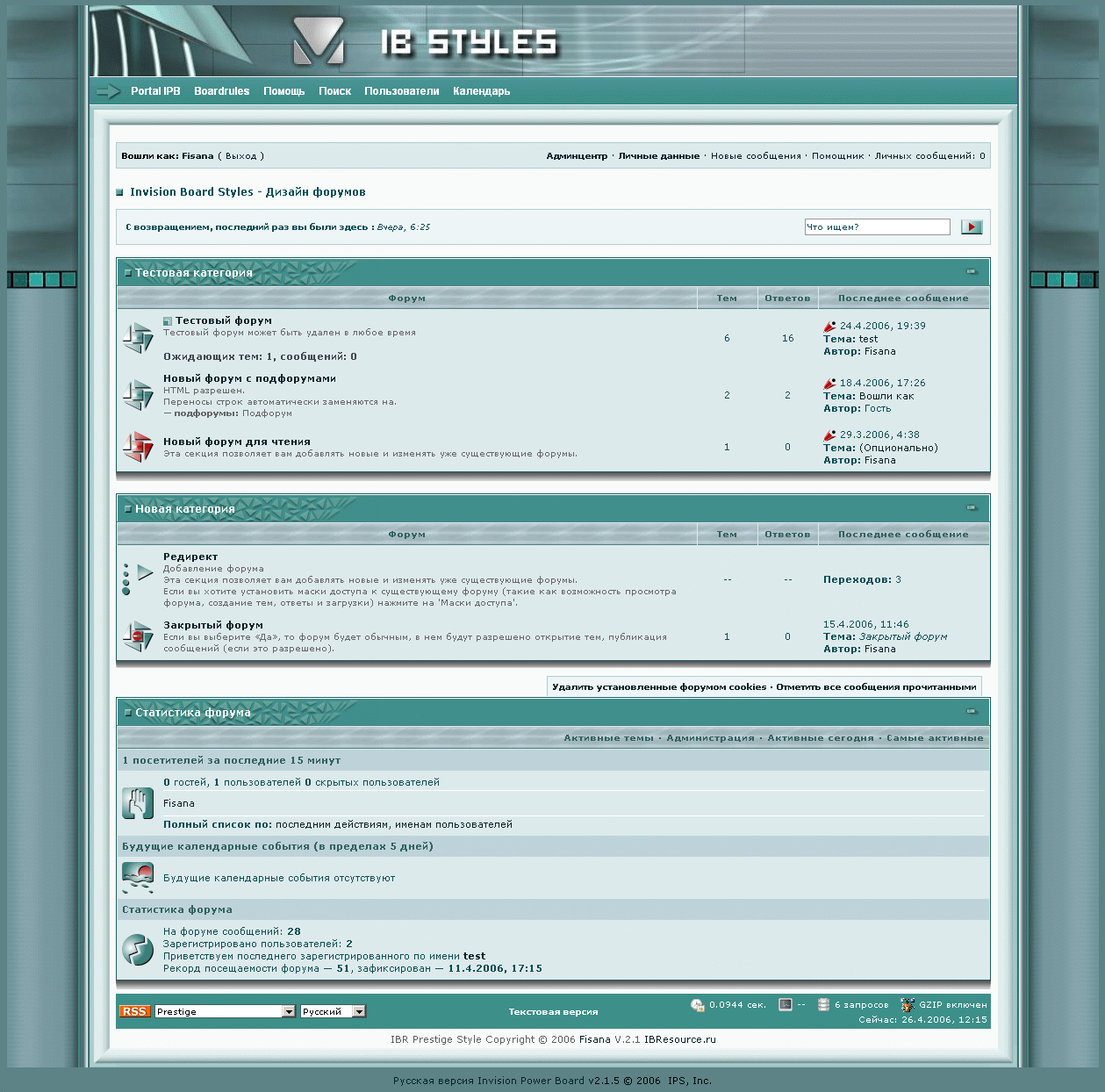
1 скриншот

Название:
IBR Prestige Style v2.1.5 - 2.1.7 (English)

Версия:
2.1.5 - 2.1.7

Краткое описание:
Updated to 2.1.5 - 2.1.7

With all images for IB Blogs & Gallery

Подробное описание:
Author: Fisana


File name: IBR Prestige Style


Version: 2.1.X


Language: English


Skin: Free


Price: 0 $

Изменения в версии 02.07.2010 00:04

Выпущена

Список изменений в этой версии не указан.

Configure browser push notifications

Chrome (Android)
  1. Tap the lock icon next to the address bar.
  2. Tap Permissions → Notifications.
  3. Adjust your preference.
Chrome (Desktop)
  1. Click the padlock icon in the address bar.
  2. Select Site settings.
  3. Find Notifications and adjust your preference.