Jump to content
View in the app

A better way to browse. Learn more.

Дизайн и модификация Invision Community

A full-screen app on your home screen with push notifications, badges and more.

To install this app on iOS and iPadOS
  1. Tap the Share icon in Safari
  2. Scroll the menu and tap Add to Home Screen.
  3. Tap Add in the top-right corner.
To install this app on Android
  1. Tap the 3-dot menu (⋮) in the top-right corner of the browser.
  2. Tap Add to Home screen or Install app.
  3. Confirm by tapping Install.

Русский для нескольких приложений 1.0

5 Screenshots

Русский язык для следующих приложений:

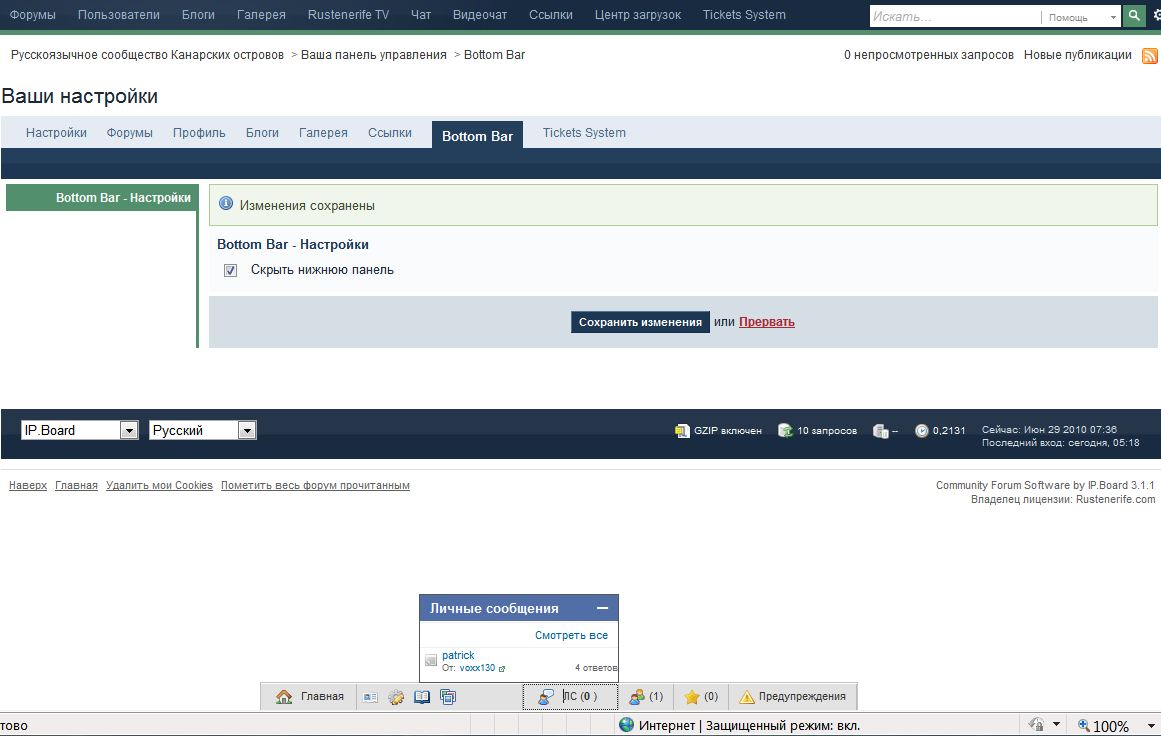
  • Bottombar 1.0.1 - нижняя панель
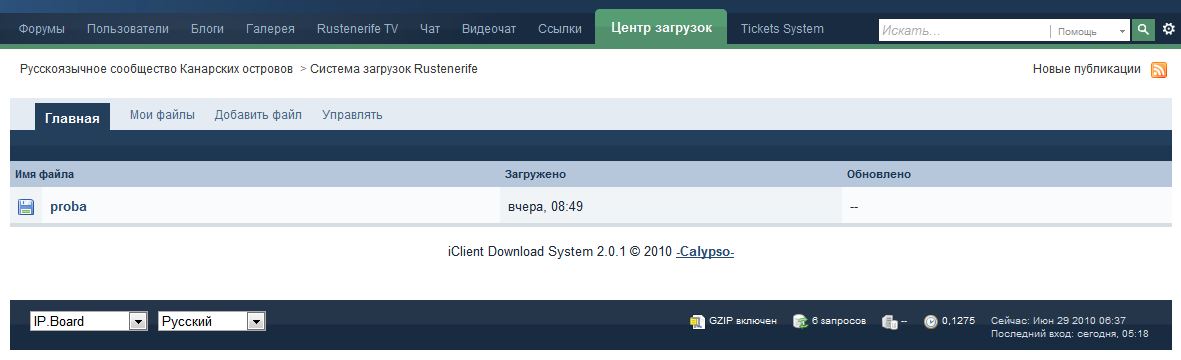
  • iClient Download System 2.0.1 - бесплатный центр загрузок
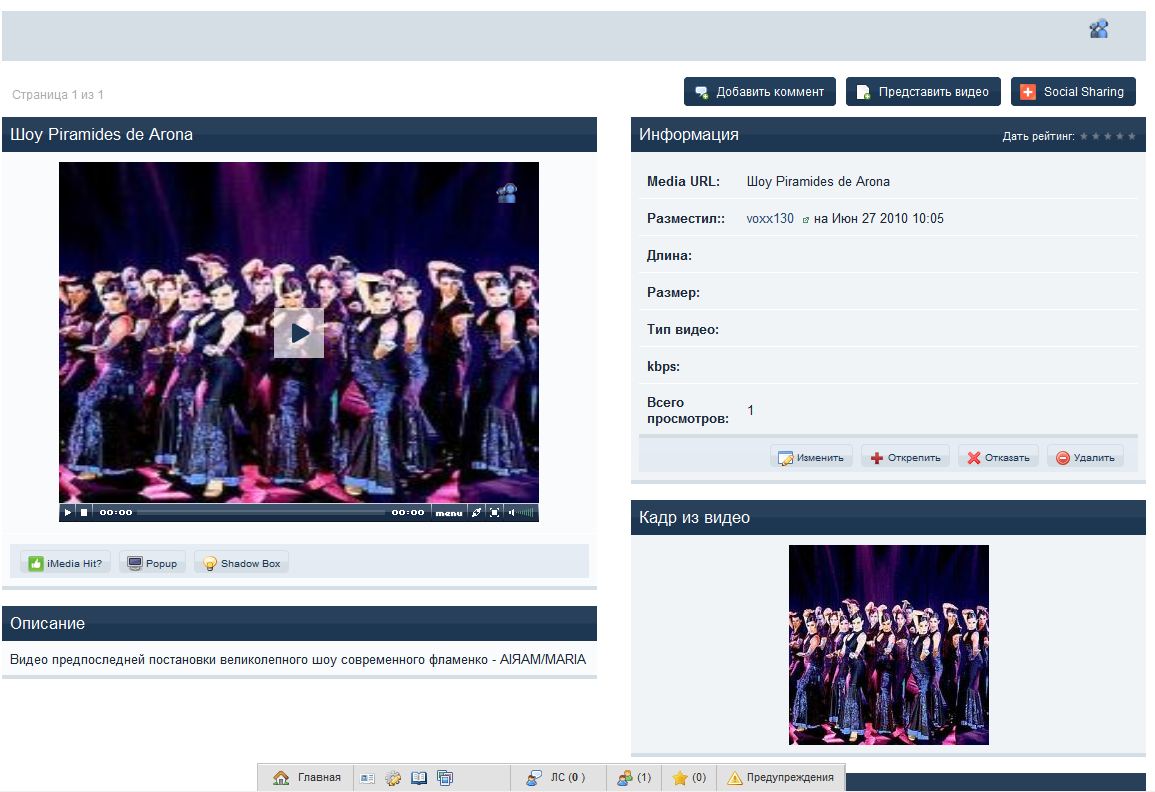
  • Invision MP3 iMedia Station - (iMP3) v2.0.1 - медиа центр
  • IPB Links 3.2.2 - система ссылок для форума
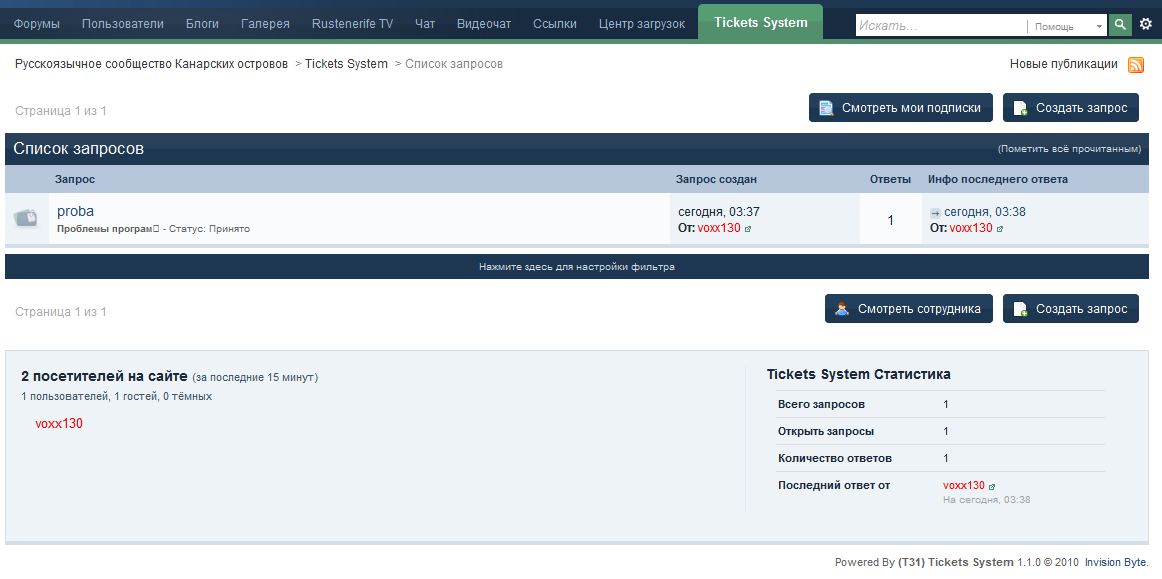
  • (T31) Tickets System 1.1.0 - суппорт центр


Беглый перевод только для public частей.


Demo здесь

User Feedback

Recommended Comments

Guest xald

Guest xald

Гости

IPB links 3.2.2

Информация о языковом пакете в загруженном файле не найдена

Create an account or sign in to comment

Account

Navigation

Search

Configure browser push notifications

Chrome (Android)
  1. Tap the lock icon next to the address bar.
  2. Tap Permissions → Notifications.
  3. Adjust your preference.
Chrome (Desktop)
  1. Click the padlock icon in the address bar.
  2. Select Site settings.
  3. Find Notifications and adjust your preference.