Skip to content
View in the app

A better way to browse. Learn more.

Дизайн и модификация Invision Community

A full-screen app on your home screen with push notifications, badges and more.

To install this app on iOS and iPadOS
  1. Tap the Share icon in Safari
  2. Scroll the menu and tap Add to Home Screen.
  3. Tap Add in the top-right corner.
To install this app on Android
  1. Tap the 3-dot menu (⋮) in the top-right corner of the browser.
  2. Tap Add to Home screen or Install app.
  3. Confirm by tapping Install.

СKEditor v.3.6.2 for IPB 3.2.3

2 Screenshots

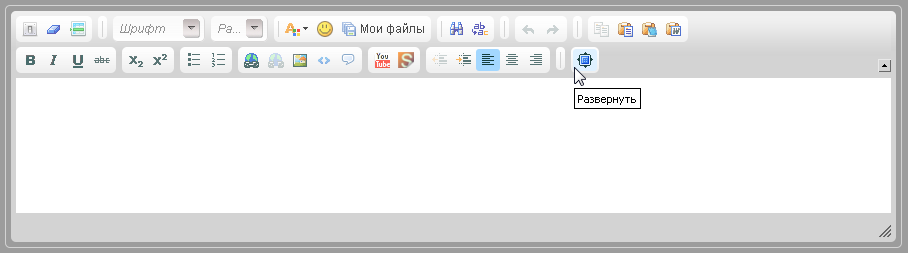
Полная версия основного скрипта редактора ckeditor v.3.6.2, адаптированная для IPB 3.2.3. Никакие функции оригинального ckeditor не вырезались.


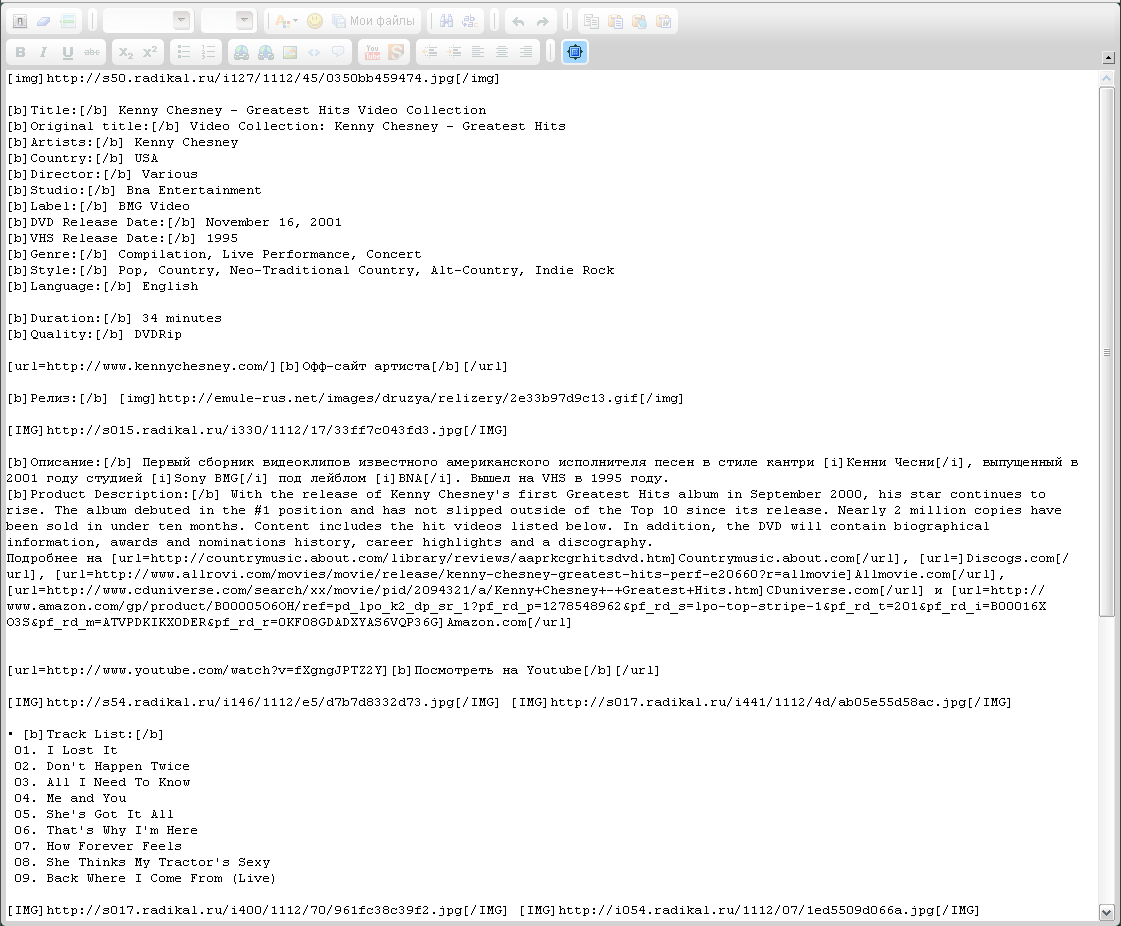
В стандартную конфигурацию добавлен плагин "Maximize" и скин "kama" сделанный стилем по умолчанию.


Инструкция по установке в файле readme.txt

What's New in Version 05/14/2012 01:35 AM

Released

No changelog available for this version.

User Feedback

Recommended Comments

There are no comments to display.

Account

Navigation

Search

Search

Configure browser push notifications

Chrome (Android)
  1. Tap the lock icon next to the address bar.
  2. Tap Permissions → Notifications.
  3. Adjust your preference.
Chrome (Desktop)
  1. Click the padlock icon in the address bar.
  2. Select Site settings.
  3. Find Notifications and adjust your preference.