Skip to content
View in the app

A better way to browse. Learn more.

Дизайн и модификация Invision Community

A full-screen app on your home screen with push notifications, badges and more.

To install this app on iOS and iPadOS
  1. Tap the Share icon in Safari
  2. Scroll the menu and tap Add to Home Screen.
  3. Tap Add in the top-right corner.
To install this app on Android
  1. Tap the 3-dot menu (⋮) in the top-right corner of the browser.
  2. Tap Add to Home screen or Install app.
  3. Confirm by tapping Install.

(SIV34) Mobile Online Status 1.0.5

3 Screenshots

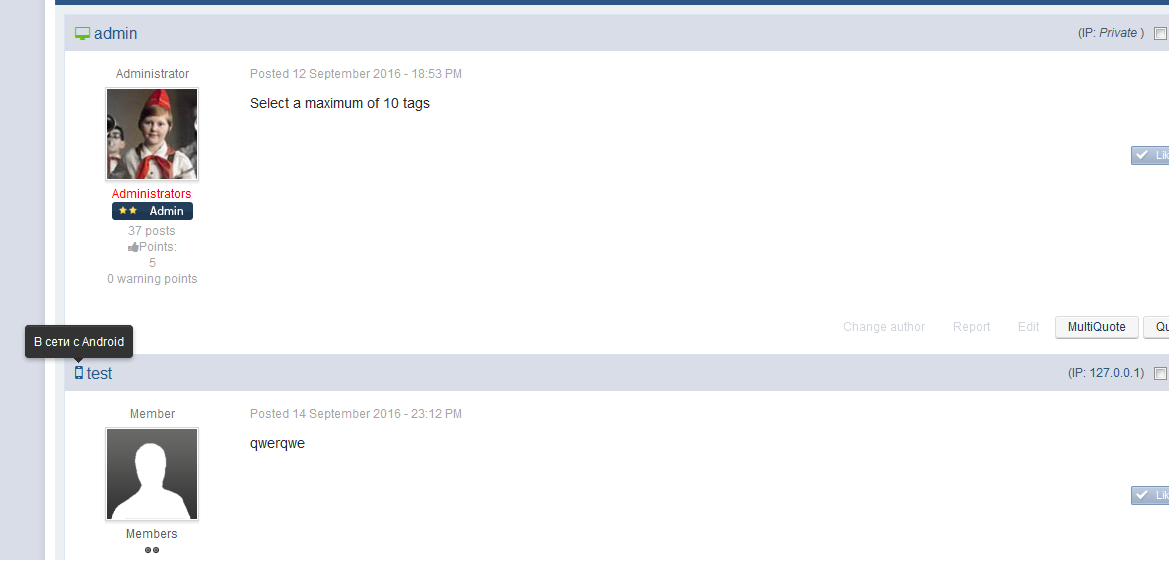
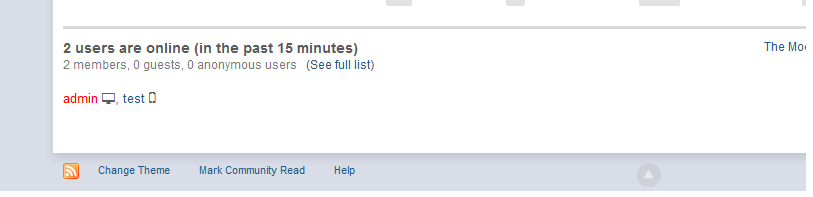
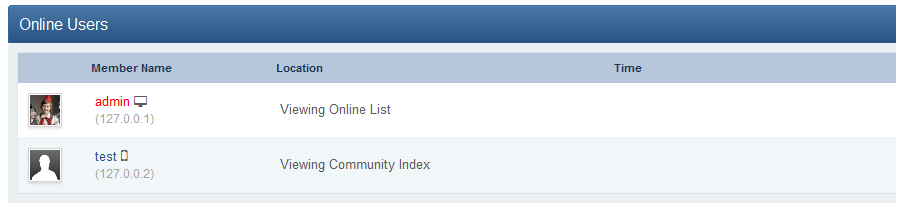
Мобильный и обычный онлайн статус автора сообщения в теме. Альтернативная версия от ipbskins.

В хуке используются иконки шрифта font-awesome, который подключается с bootstrapCDN. Если шрифт уже подключен в скине, в настройках хука Hooks -> Mobile Online Status -> Подключить Font Awesome с BootstrapCDN? следует отключить.

What's New in Version 1.0.5

Released

  • Исправлен онлайн статус для анонимных пользователей в темах

User Feedback

Recommended Comments

There are no comments to display.

Account

Navigation

Search

Search

Configure browser push notifications

Chrome (Android)
  1. Tap the lock icon next to the address bar.
  2. Tap Permissions → Notifications.
  3. Adjust your preference.
Chrome (Desktop)
  1. Click the padlock icon in the address bar.
  2. Select Site settings.
  3. Find Notifications and adjust your preference.