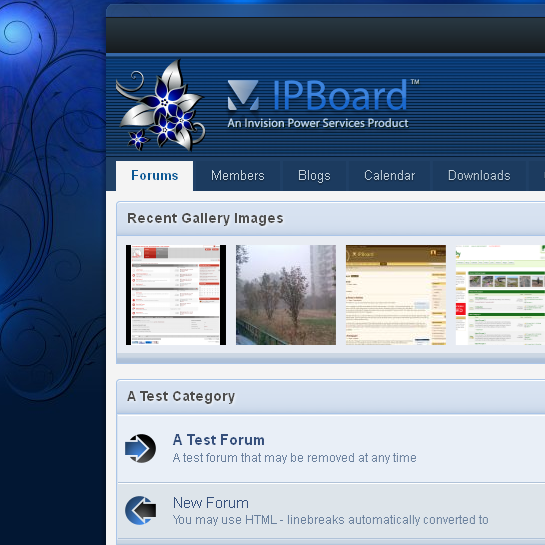


Delicate Blue для работы с IP.Board 3.2.3-3.4.4 (см в архиве файлы разных версий).
Это очень приятный и нежный скин, сочетающий традиционную голубую цветовую гамму с контрастными темно-синими фонами. Выглядит эффектно и понравится большинству пользователей вашего форума.
Последняя версия поддерживает следующие скрипты:
IP.Board 3.4.4
IP.Blog 2.6.2
IP.Calendar 3.3.3
IP.Content 2.3.5
IP.Downloads 2.5.3
IP.Gallery 5.0.4
Включает: png and psd бланки для лого и шрифт
Для редактирования надписи в футере:
1. Войдите в АЦ
2. Внешний вид > Редактирование шаблонов в Delicate_blue
3. Откройте Глобальные > globalTemplate
4. Найдите
Your Company Name
Замените текст на свой
5. Если хотите вставить счетчики, найдите выше
Замените кодом счетчиков (можно несколько подряд)
====================English============
Included: png and psd Logo blanks
For editing footer:
1. Go to ACP
2. Look & Feel > Manage Skin Sets & Templates > Manage Templates in Delicate_blue
2. Open Global Templates > globalTemplate
3. Find
Copyright © {parse expression="strftime('%Y')"} Your

Company Name
4. Edit
Your Company Name
Рекомендованные комментарии