
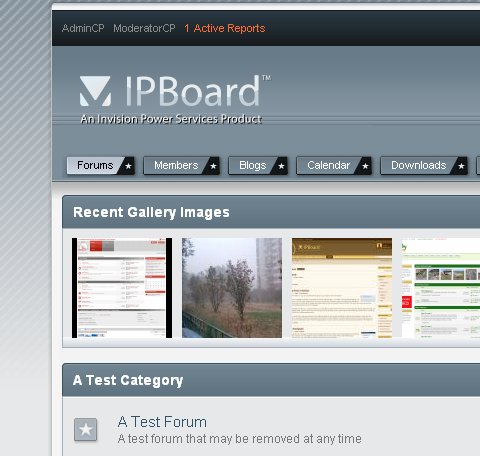
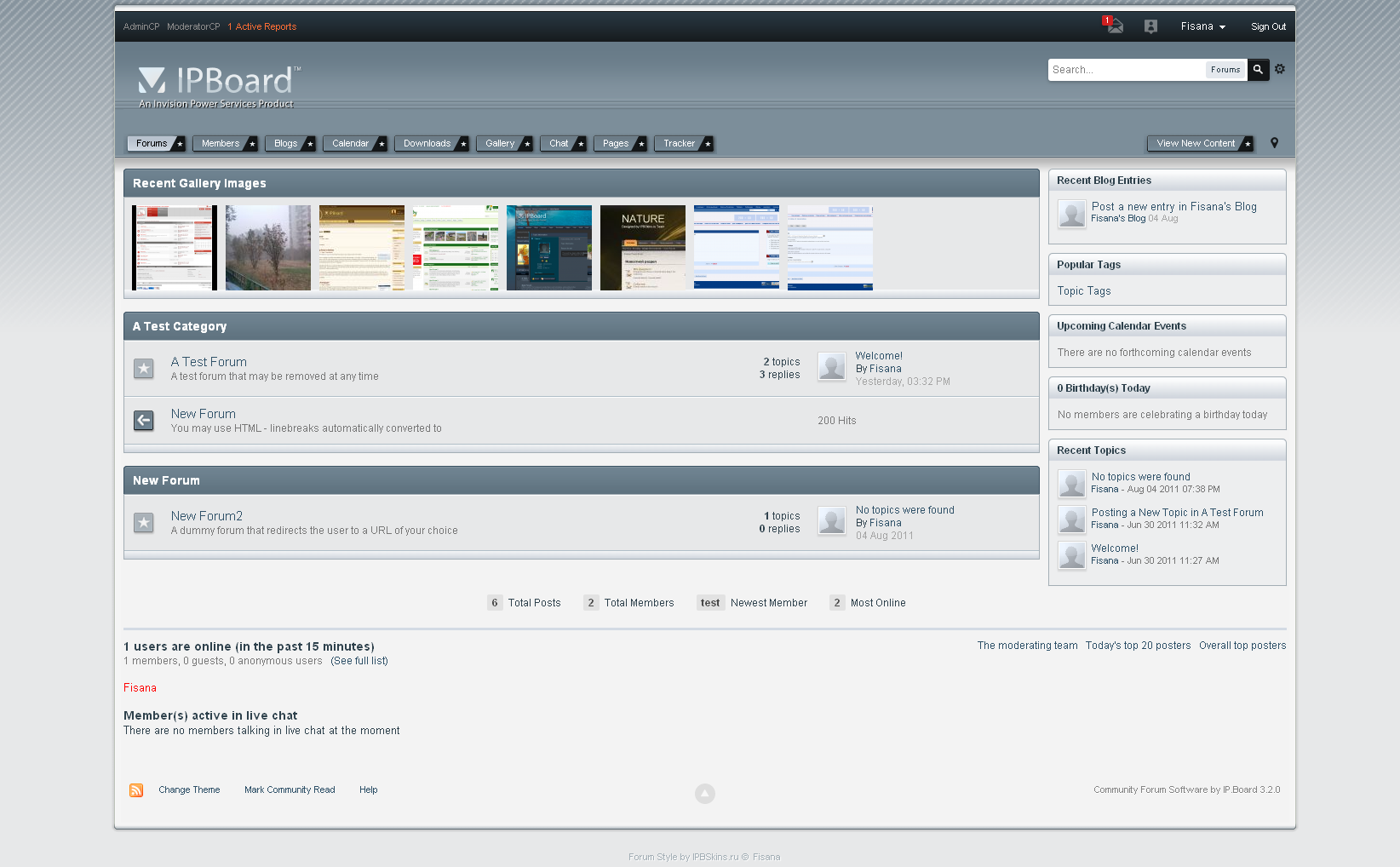
Свежая версия совместима с
IP.Board 3.4.6
IP.Blog 2.6.3
IP.Calendar 3.3.4
IP.Content 2.3.6
IP.Downloads 2.5.4
IP.Gallery 5.0.5
Скины для IPB 3.2-3.3 ищите в предыдущих версиях (см. справа внизу на этой странице)
Включает бланки логотипов, шрифт и иконки групп.
Для редактирования надписи в футере:
1. Войдите в АЦ
2. Внешний вид > Редактирование шаблонов в Delicate_blue
3. Откройте Глобальные > globalTemplate
4. Найдите
Your Company Name
Замените текст на свой
5. Если хотите вставить счетчики, найдите выше
<img src='{$this->settings['img_url']}/pic.png' alt='' />Замените кодом счетчиков (можно несколько подряд)
====================English============
Included: png and psd Logo blanks
For editing footer:
1. Go to ACP
2. Look & Feel > Manage Skin Sets & Templates > Manage Templates in Delicate_blue
2. Open Global Templates > globalTemplate
3. Find
<div class='foot'><span class='left'><img

src='{$this->settings['img_url']}/pic.png' alt=''

/></span><span class='right'>Copyright © {parse expression="strftime('%Y')"} Your

Company Name</span></div>
4. Edit
Your Company Name
О найденных ошибках не ленитесь сообщать в тему поддержки.
Изменения в версии v 0.6
Выпущена
- Updated to work with IP.Gallery 4.2
Рекомендованные комментарии