
Обновление плагина Видео из vkontakte для IPS 4.
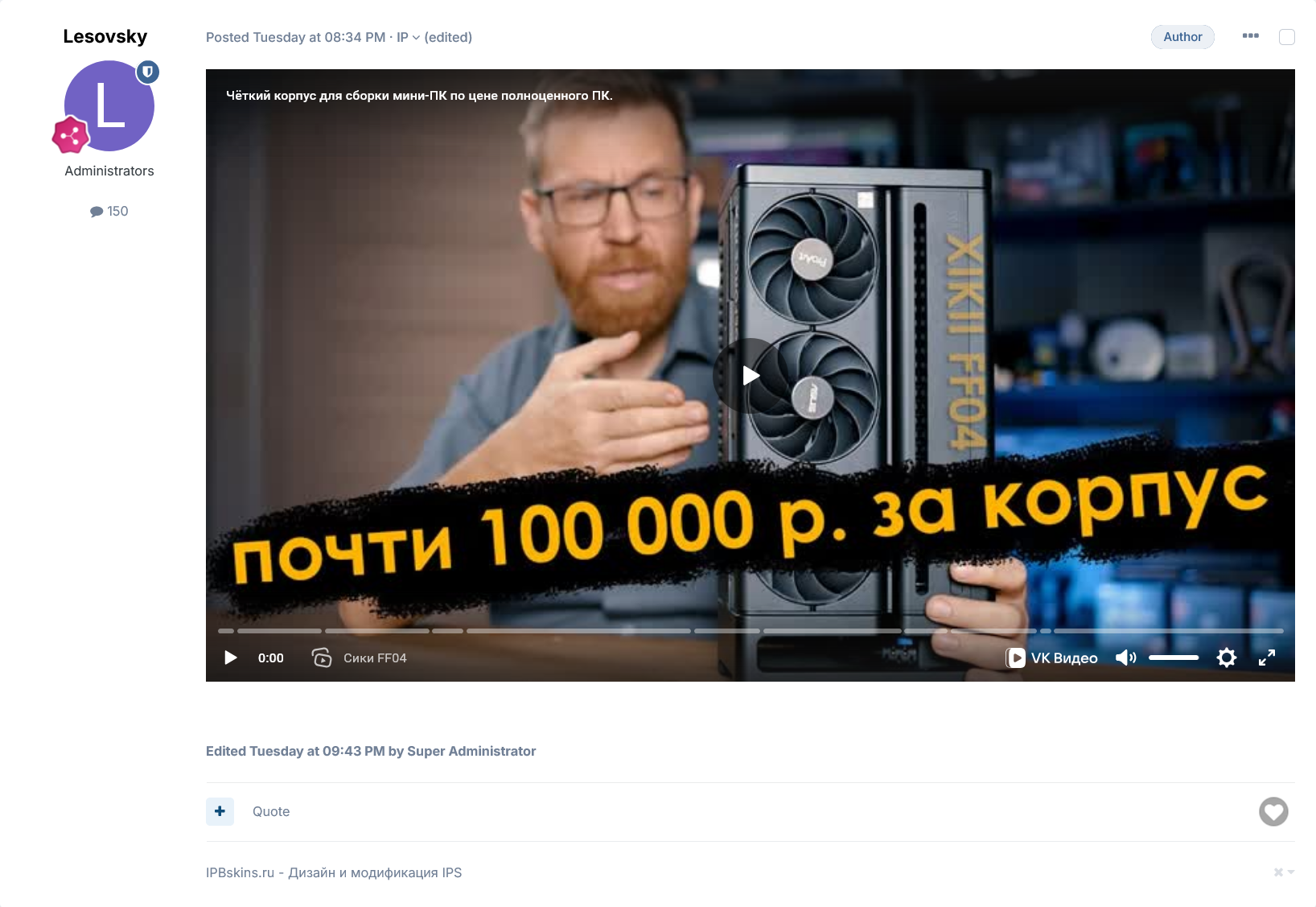
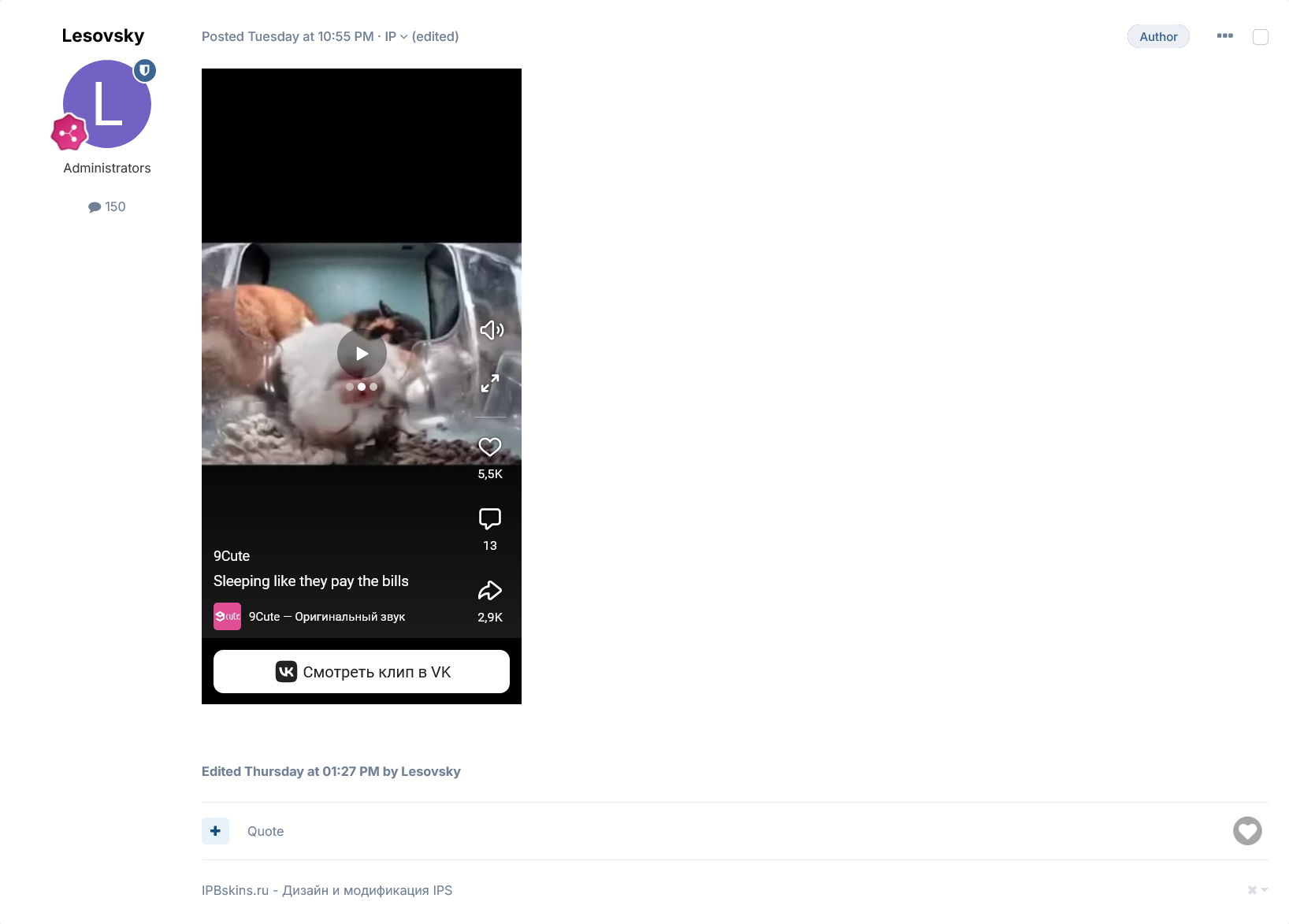
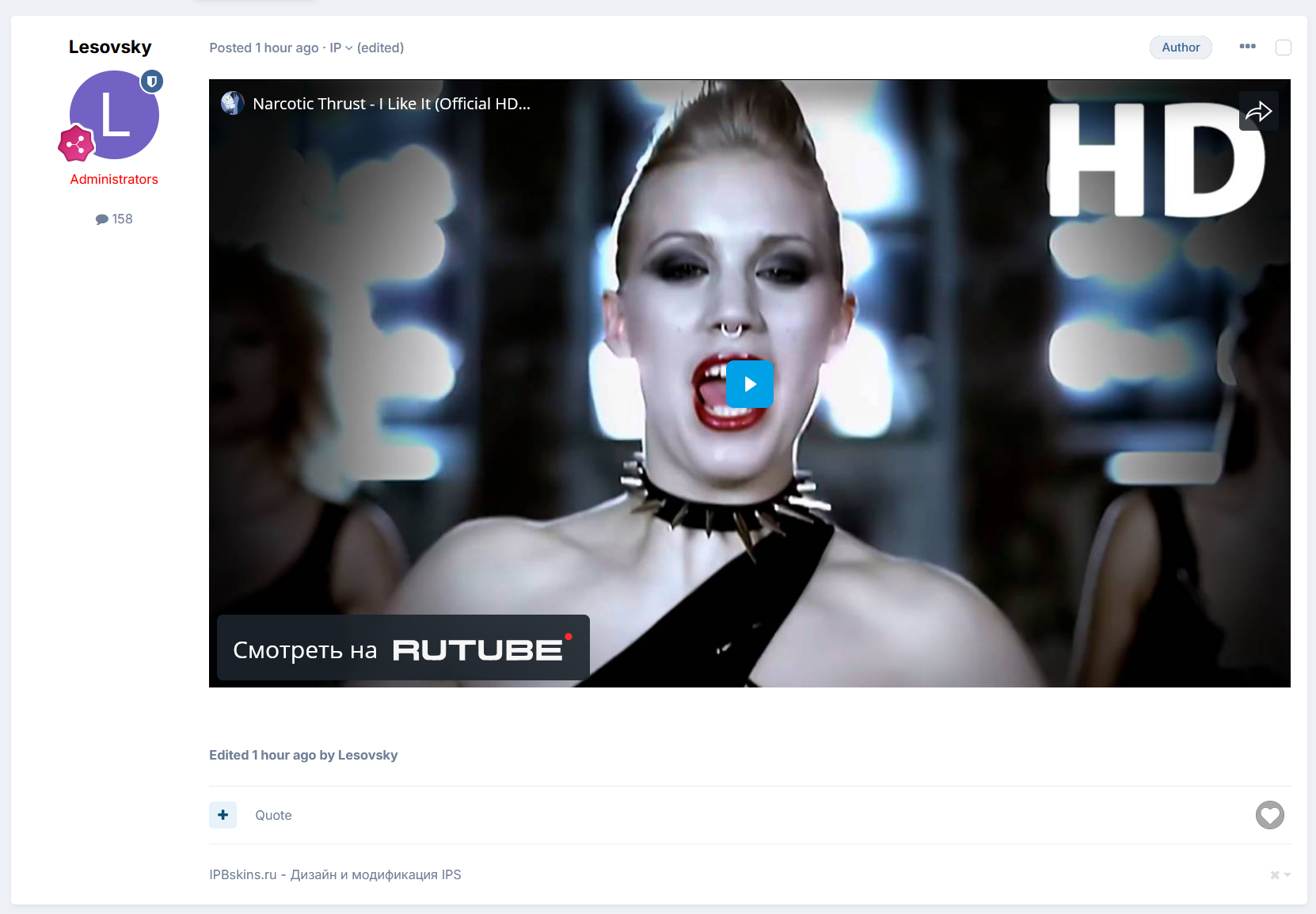
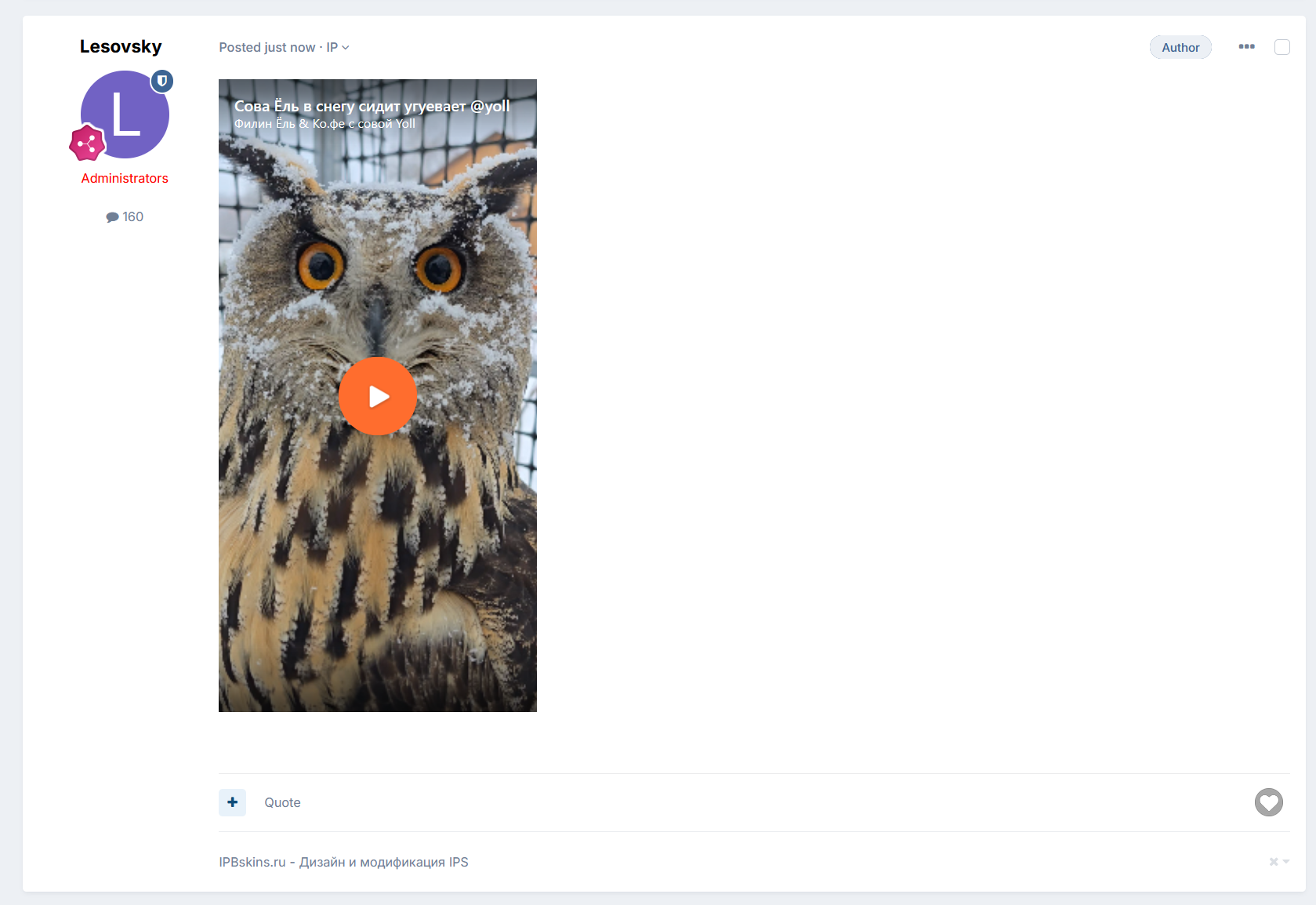
Поддержка ссылок VK видео и VK клипов вида, а также видео и шортс из Rutube, Dzen:
// Vk
https://vk.ru/video-192534154_456246892
https://vk.ru/clip-56910814_456243063

https://vk.com/video-192534154_456246892
https://vk.com/clip-56910814_456243063

https://vkvideo.ru/video-192534154_456246892
https://vkvideo.ru/clip-56910814_456243063

// Rutube
https://rutube.ru/video/ebb18d4201eef2005fb2a56d8ce5d31b/?t=0
https://rutube.ru/shorts/d7ce177ab95e09c0e7567689682e94f9/

// Dzen
https://dzen.ru/video/watch/6452e39d5946697a6f73c127?share_to=link
https://dzen.ru/shorts/67a23c7d02225a70e4166cbb?share_to=link

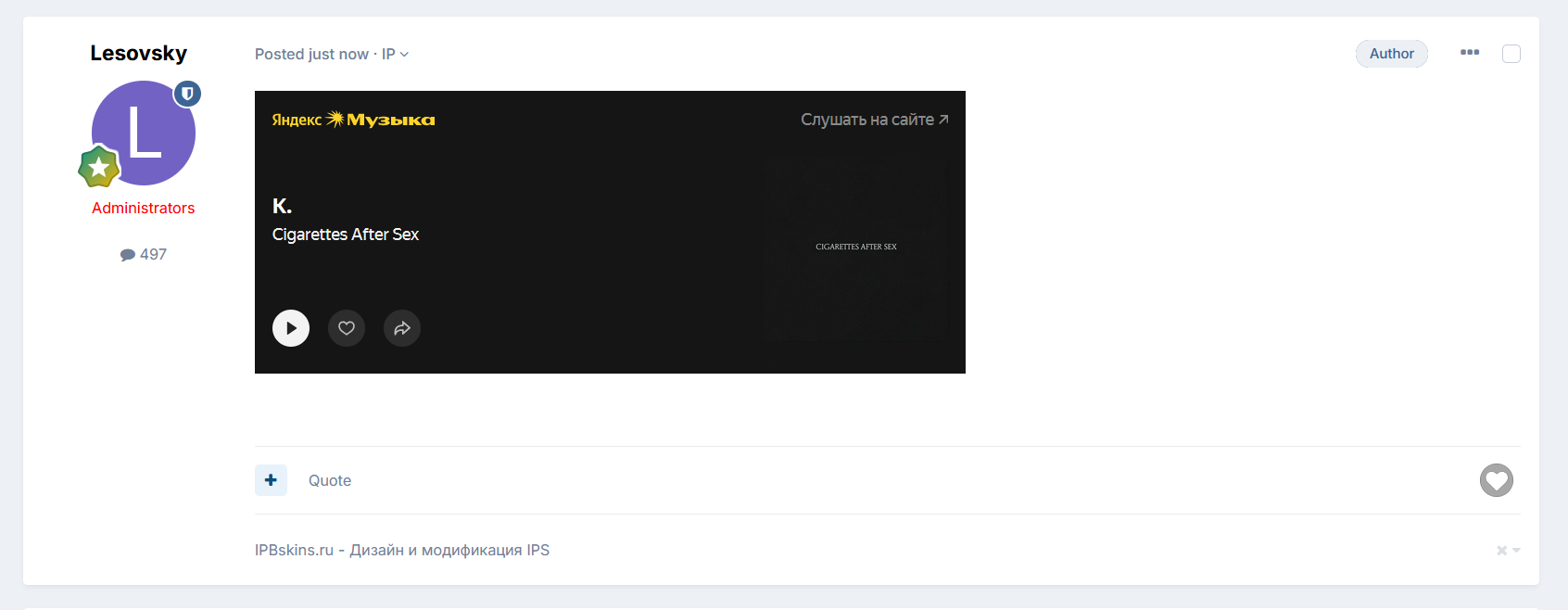
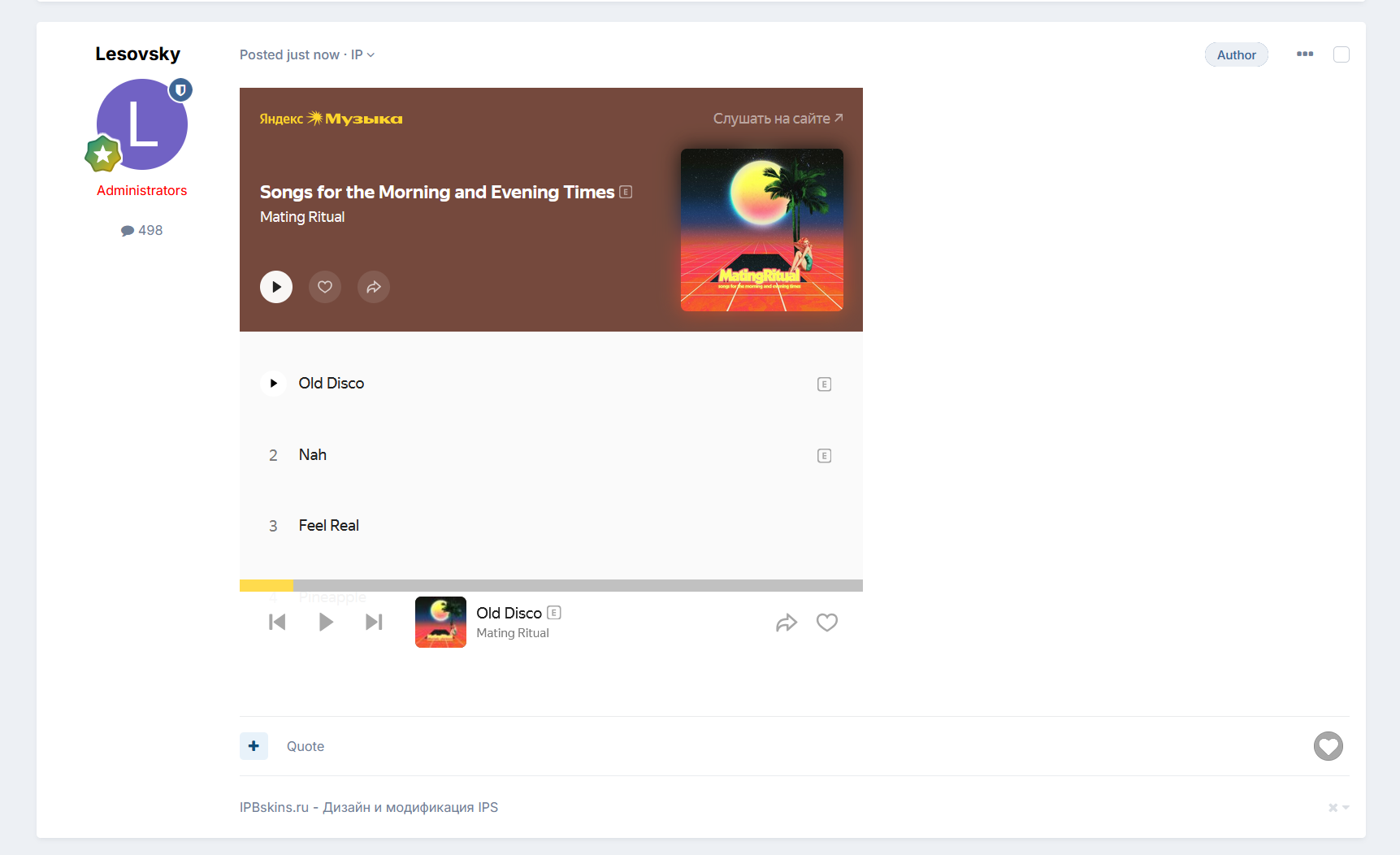
// Яндекс музыка
https://music.yandex.ru/track/141683220?utm_source=web&utm_medium=copy_link
https://music.yandex.ru/album/17286743?utm_source=web&utm_medium=copy_link
Внимание!
Для обеспечения вертикального соотношения сторон для VK клипов, пришлось изменить стандартный css контейнера .ipsEmbeddedVideo, поэтому все остальные видео в том числе и от youtube и т.д. имеют соотношение 16:9.
Изменения в версии 1.0.5
Выпущена
Исправлены недочёты
Добавлена поддержка вставки на треки и альбомы Яндекс Музыки
-
 1
1
-
 2
2
Рекомендованные комментарии