
Перейти к публикации
View in the app

A better way to browse. Learn more.

Дизайн и модификация Invision Community

A full-screen app on your home screen with push notifications, badges and more.

To install this app on iOS and iPadOS
  1. Tap the Share icon in Safari
  2. Scroll the menu and tap Add to Home Screen.
  3. Tap Add in the top-right corner.
To install this app on Android
  1. Tap the 3-dot menu (⋮) in the top-right corner of the browser.
  2. Tap Add to Home screen or Install app.
  3. Confirm by tapping Install.

Stream Access 1.0.0

1 скриншот

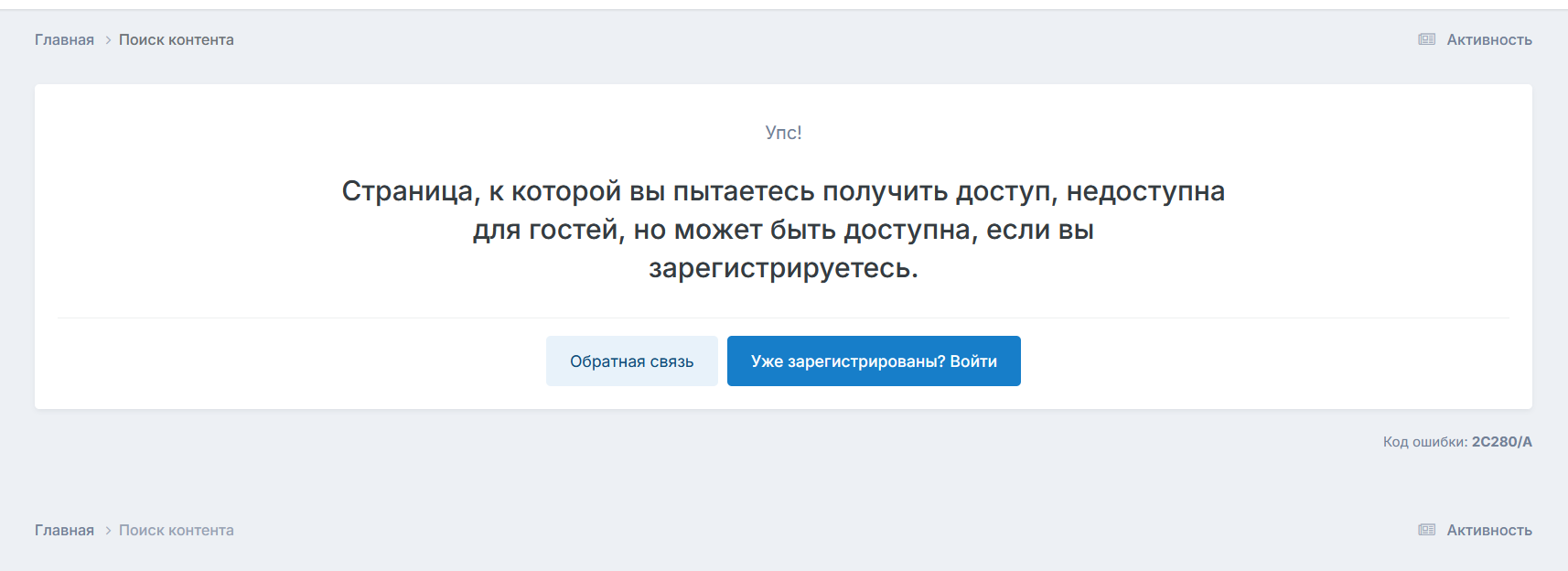
Очень простой плагин, ограничивающий доступ к ленте активности для гостей, сейчас особенно актуально, когда многоженство ботов сканируют сайты.

Например, за 2 дня выходных краулеры одной крупной социальной сети сделали несколько сотен тысяч запросов к странице /discover/?view=expanded&csrfKey=xxx, видимо совершенно спокойно листали ленту.

Отзывы пользователей

Рекомендованные комментарии

Нет комментариев для отображения

Account

Navigation

Поиск

Поиск

Configure browser push notifications

Chrome (Android)
  1. Tap the lock icon next to the address bar.
  2. Tap Permissions → Notifications.
  3. Adjust your preference.
Chrome (Desktop)
  1. Click the padlock icon in the address bar.
  2. Select Site settings.
  3. Find Notifications and adjust your preference.